


POWERbreathe Smart Adaptor & ActiBreathe® Breathing App

$349.00

POWERbreathe Smart Adaptor & ActiBreathe® Breathing App

$349.00

Transform Your Training With The POWERbreathe Smart Adaptor: Elevate your manual threshold breathing trainer into a smart digital device. Connect to our Breathing App (ActiBreathe®) to maximise your training.

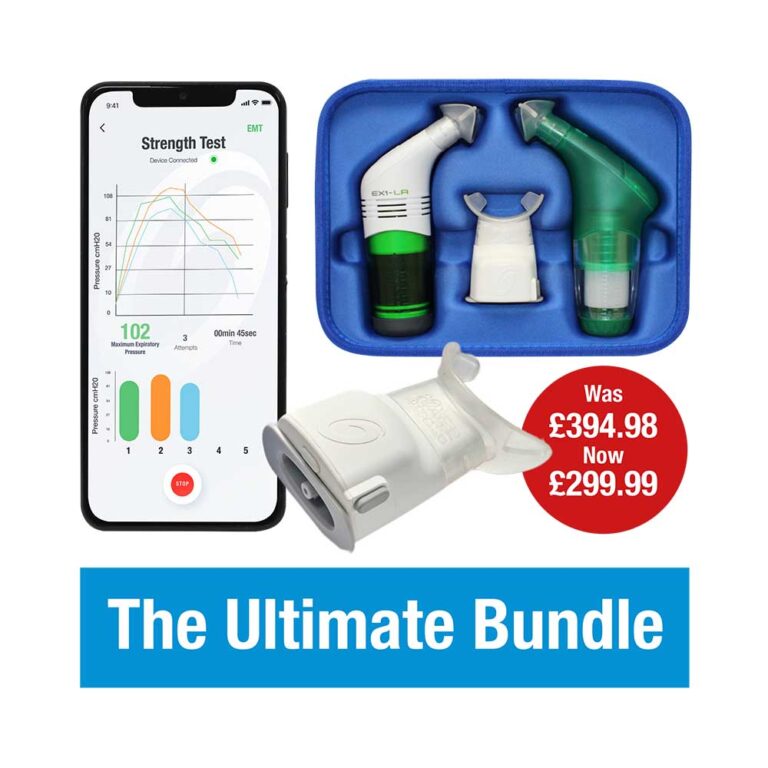
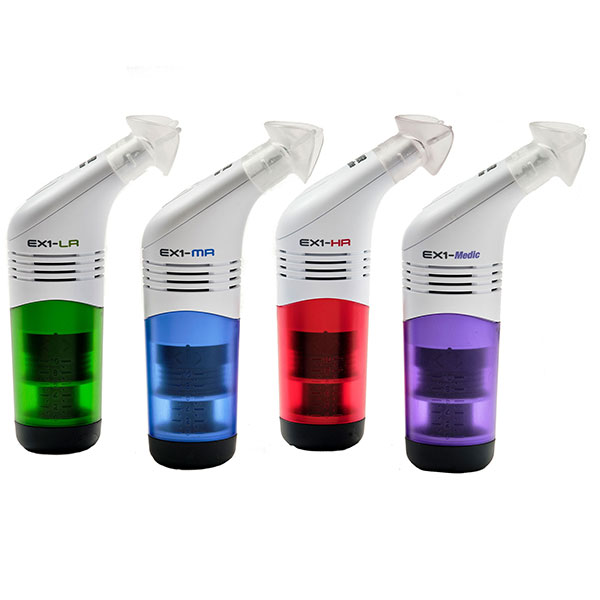
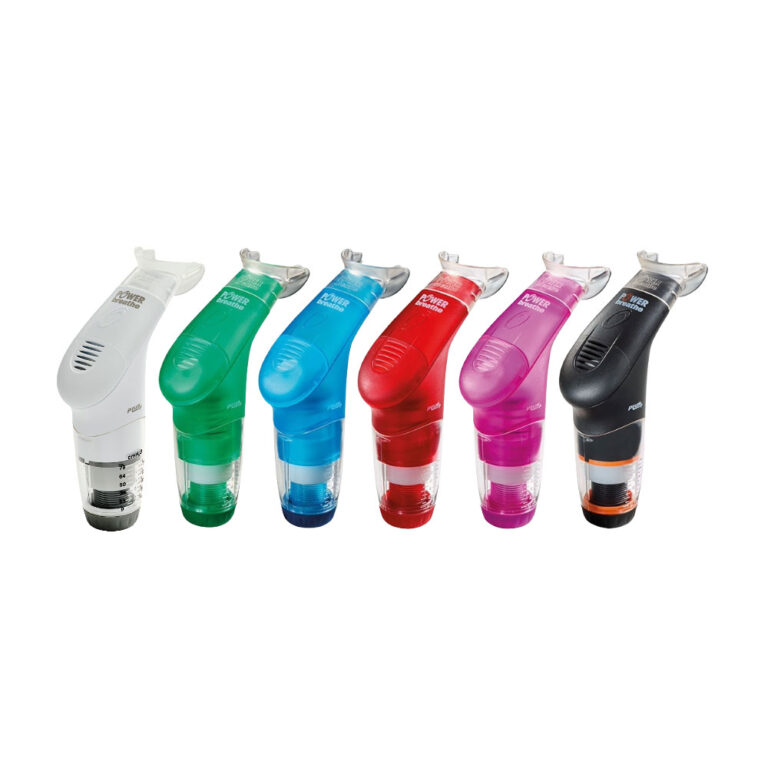
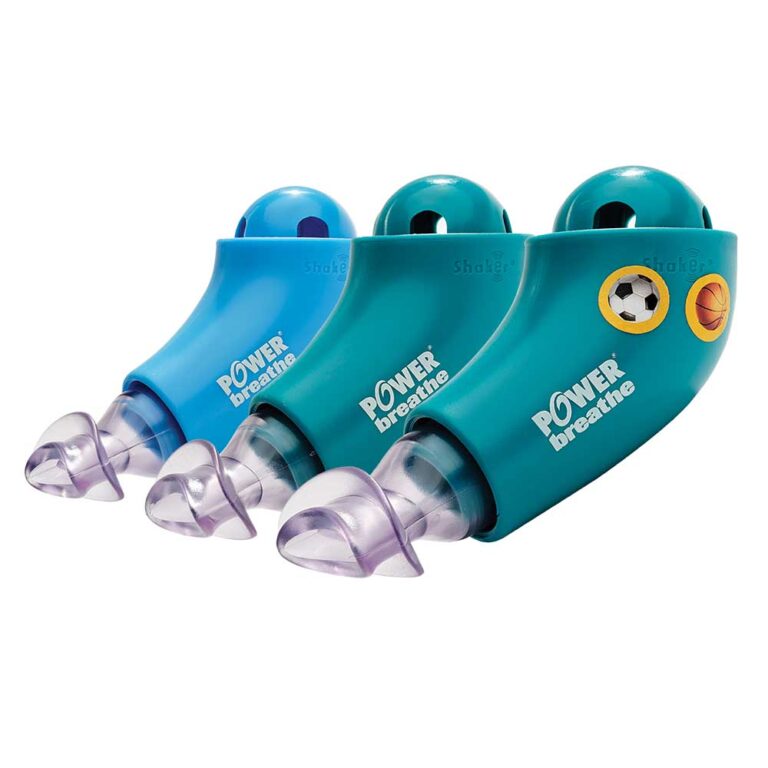
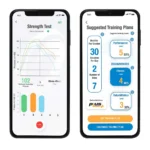
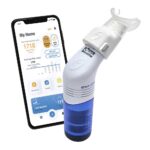
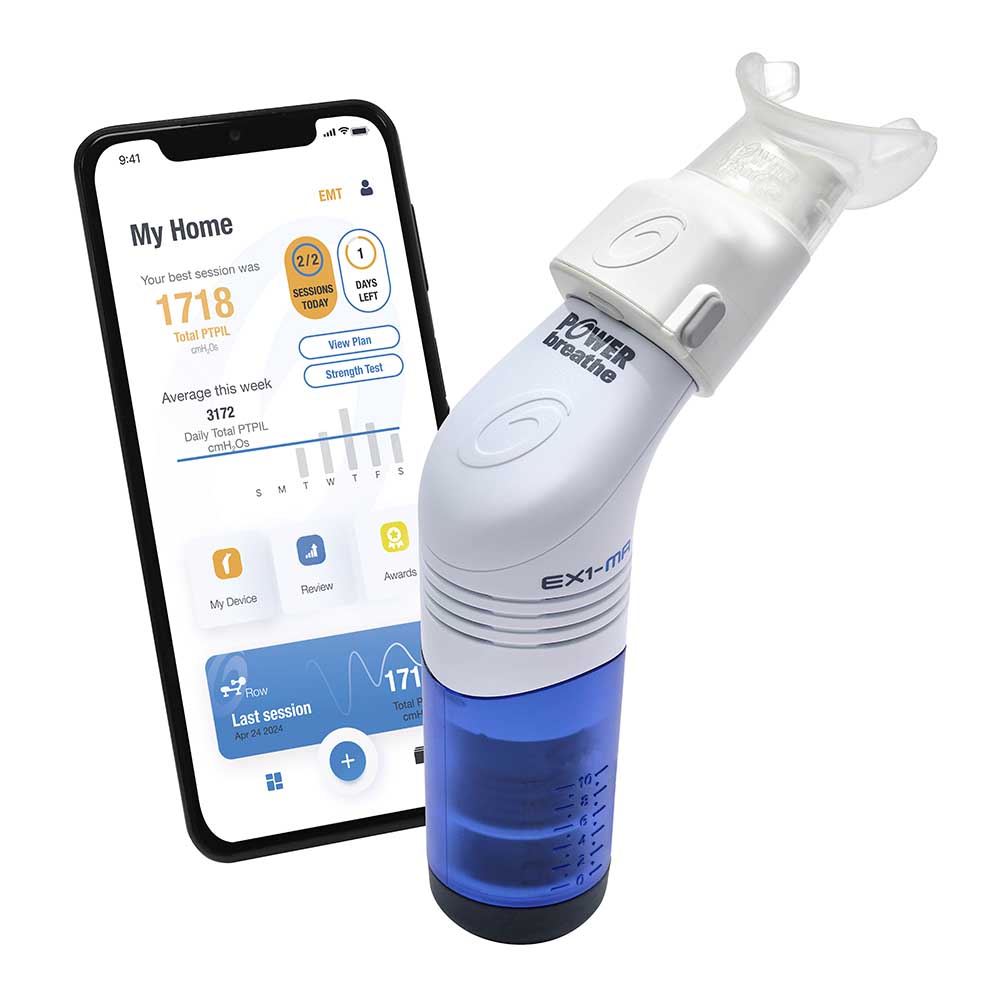
The electronic POWERbreathe Smart Adaptor (patents pending) connects the POWERbreathe Plus and EX1 trainers – and soon the Shaker Deluxe – to the ActiBreathe® App via Bluetooth. This innovative system delivers personalised breathing strength testing, precise breathing training guidance (inspiratory and expiratory performed separately), detailed progress tracking and powerful analytics to your phone via the ActiBreathe® breathing app. This allows you to move beyond the guesswork and achieve peak performance.

Here’s how the POWERbreathe Smart Adaptor elevates your breathing training journey:

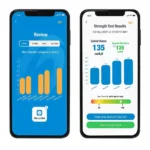
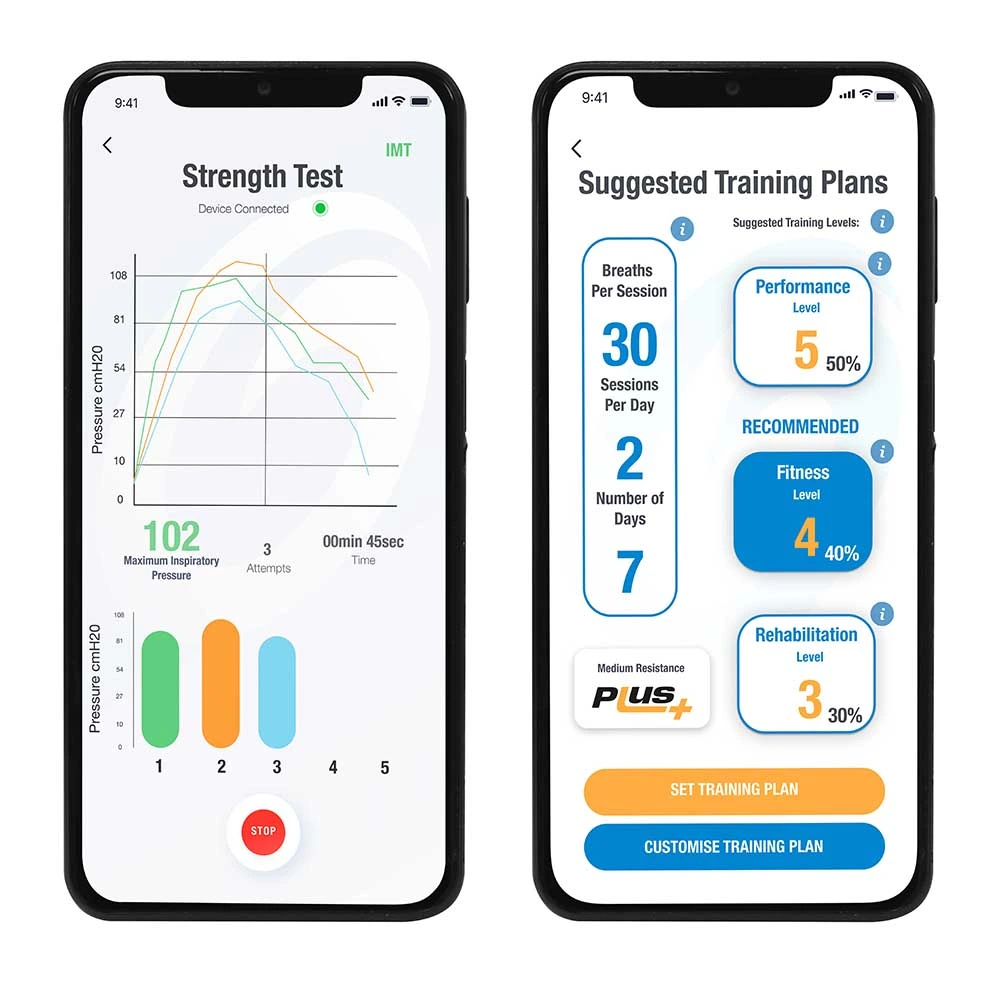
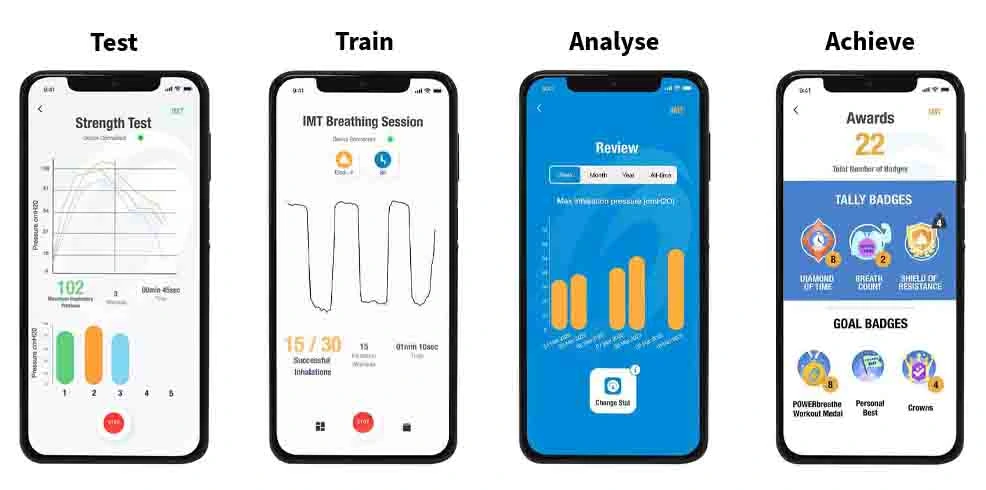
  • Test – Measure your inspiratory or expiratory breathing strength and discover what level to train at for optimum success.*
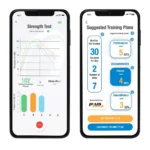
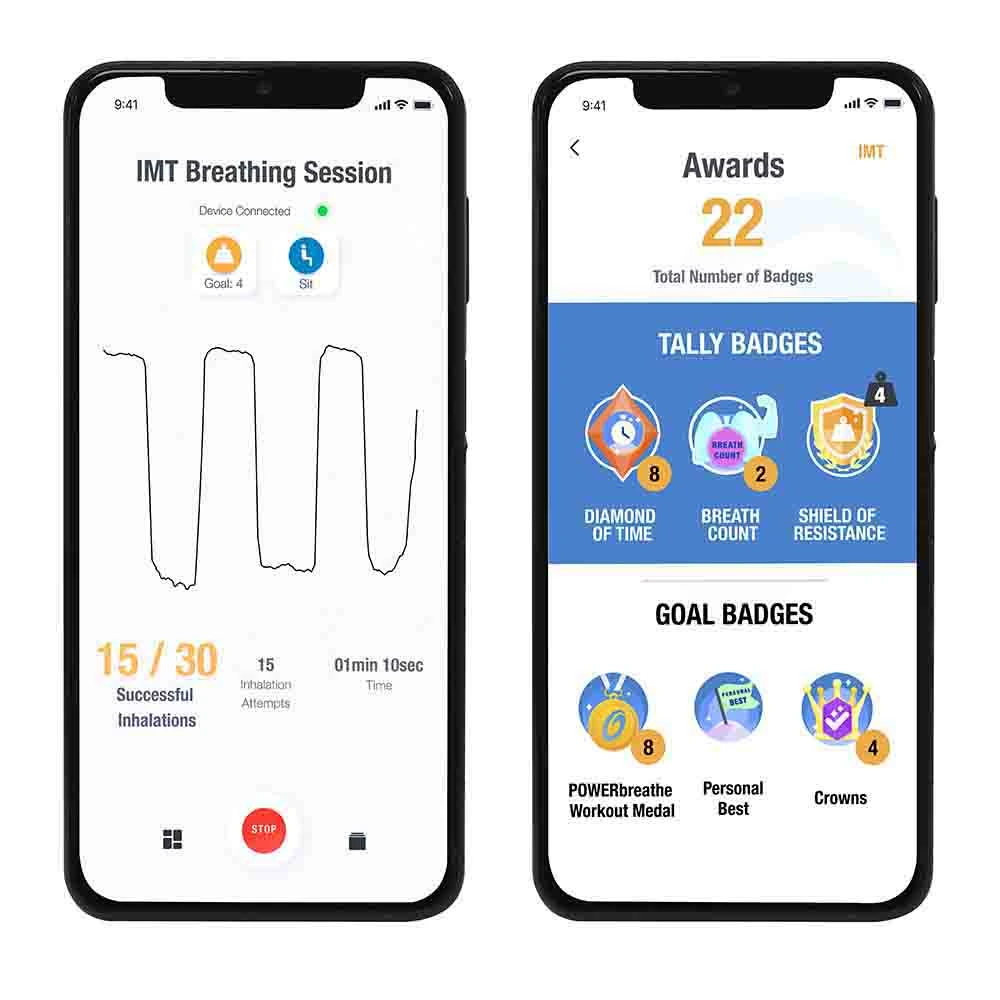
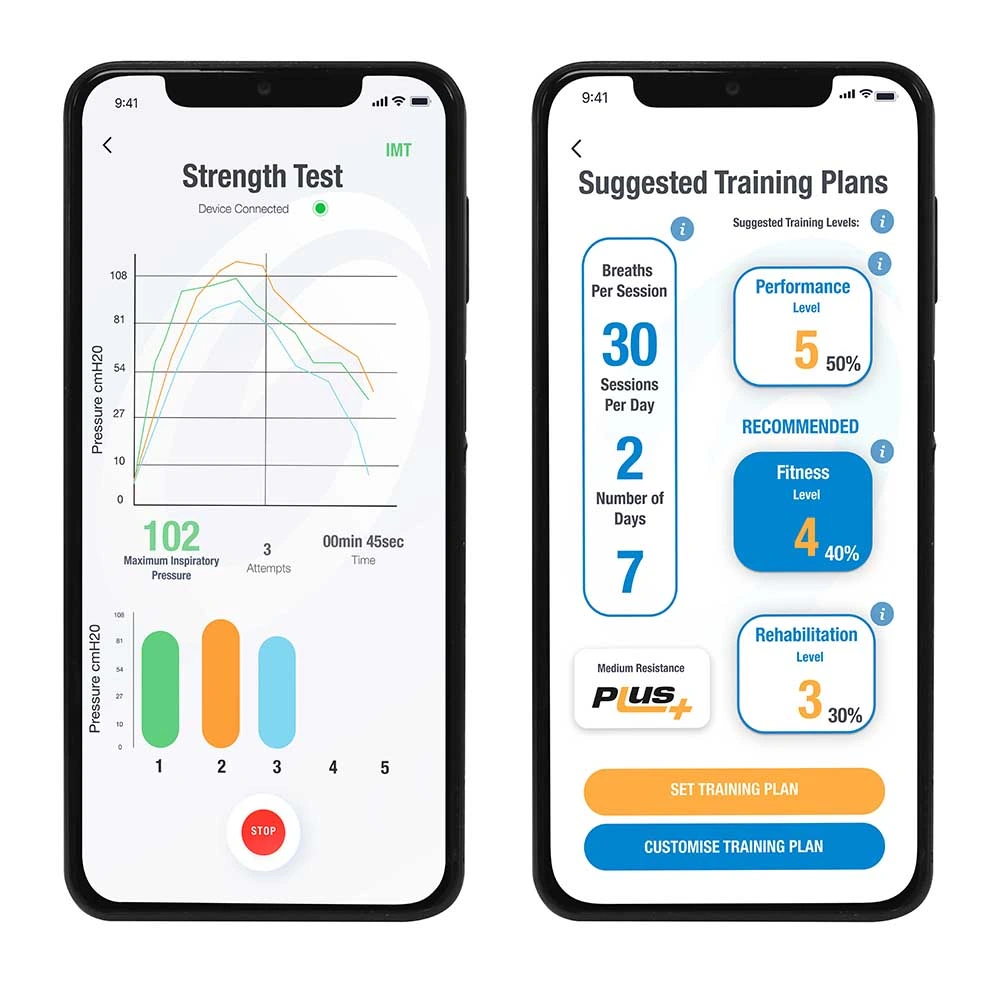
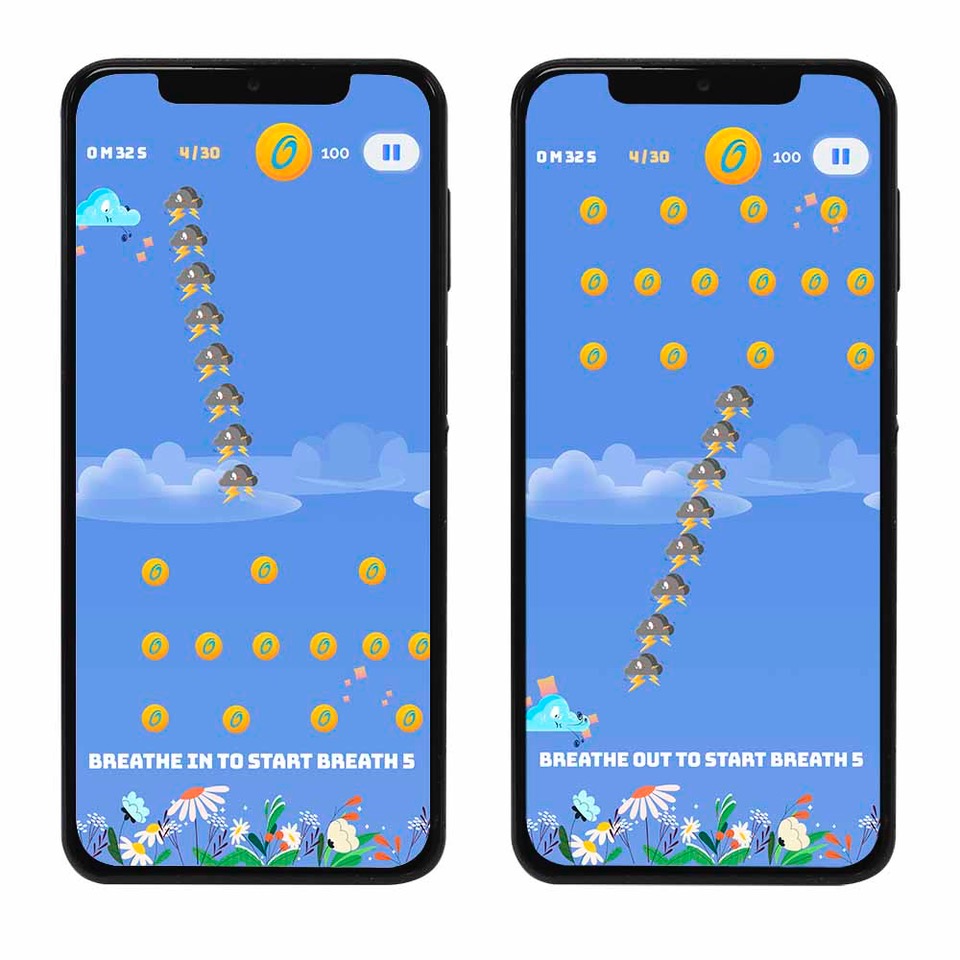
  • Train – Set up a training plan customised to your needs. Follow guided sessions with real-time feedback and detailed stats after every breathing session.
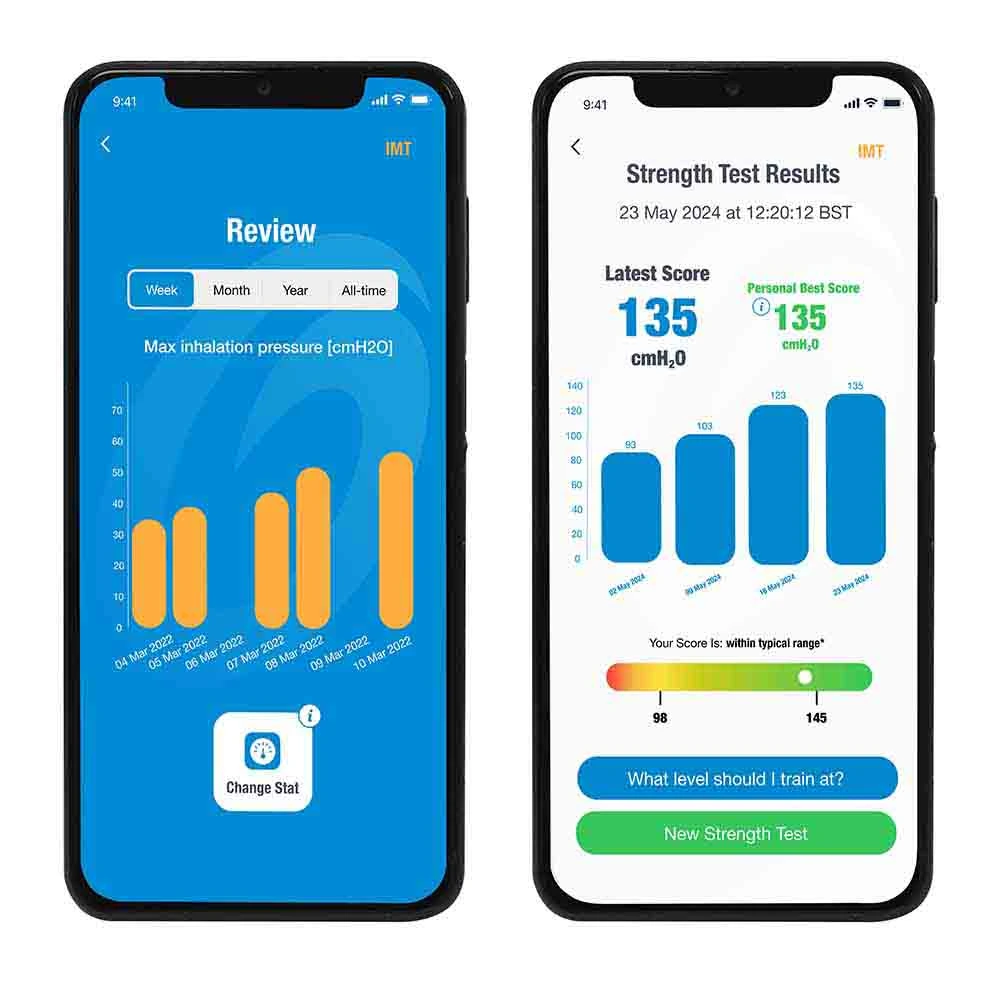
  • Analyse – Track your progress over the last week, month, or year.
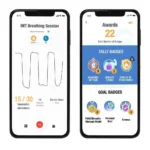
  • Achieve – Earn awards as you move through your plan and build consistency.

For a limited time only, get the Smart Adaptor, POWERbreathe Plus and EX1 for £299.99, saving £94.98. Click here for the Ultimate Bundle.

The latest ActiBreathe® App is available globally on both iOS and Android. Our breathing app supports English, French, German, Japanese, Spanish, Portuguese and Dutch. More languages are coming soon.

* The POWERbreathe Smart Adaptor is an accessory to the POWERbreathe Plus and EX1. Plus (Inspiratory) and EX1 (Expiratory) breathing device sold separately. Check our FAQs for device and language compatibility.

What is the POWERbreathe Smart Adaptor?

The POWERbreathe Smart Adaptor is an accessory that can transform your mechanical POWERbreathe breathing trainer into a fully connected digital experience. It connects to the ActiBreathe® breathing app, allowing you to supercharge your breathing training. The app allows you to gain real-time insights, guided training, and the ability to track and visualise your breathing improvements. The Smart Adaptor can connect to your POWERbreathe Plus, EX1, and soon the Shaker Deluxe.

With the Smart Adaptor, your breathing training isn’t just effective. It becomes measurable, personalised and motivating, taking your breathing training to the next level.

The innovative ActiBreathe® App combines advanced technology with personalised guidance to refine your breathing technique. This will help you achieve better results and improve your respiratory health over time.

How does the ActiBreathe® breathing app elevate your breathing training journey?

  • Test & Personalise: Use the standalone Smart Adaptor to perform a lung strength test, measuring the strength of your inspiratory / expiratory breathing muscles. With this information, the app will recommend a precise training level in accordance with clinically backed protocols. NO more estimating. Start every personalised training plan with data-driven confidence.
  • Train with Precision: Get real-time feedback during every breathing training session to ensure maximum effectiveness. Immediately after, dive into a wealth of detailed statistics on the ActiBreathe® breathing app to reveal exactly how you performed.
  • Analyse & Accelerate: Stop wondering if you’re progressing. The ActiBreathe® breathing app allows you to easily review and compare sessions, highlighting your gains over the last week, month or year, so you can accelerate your results.
  • Achieve & Be Rewarded: Stay motivated with Awards! Earn recognition for your cumulative breathing training sessions  and celebrate every milestone as you advance through your personalised training plan.
Key Features of the POWERbreathe Smart Adaptor

  • Compatible with POWERbreathe Plus and EX1 trainers (Shaker Deluxe coming soon).
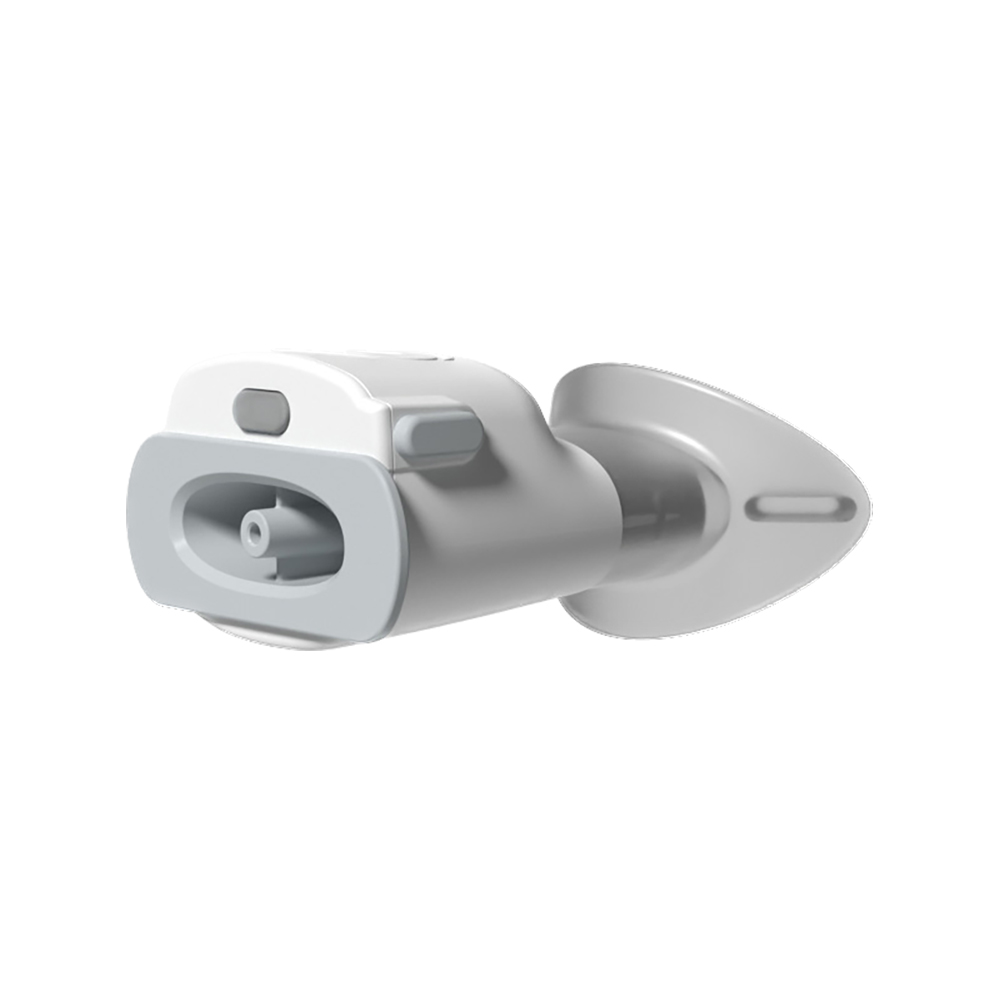
  • The Smart Adaptor can be used independently, without a breathing trainer. Simply insert the included Strength Test Plug to run a breathing strength test anytime, anywhere.
  • Connects to the ActiBreathe® App for customised training, breathing strength testing, and in-depth analysis of P-Index, inhalations, resistance level and more.
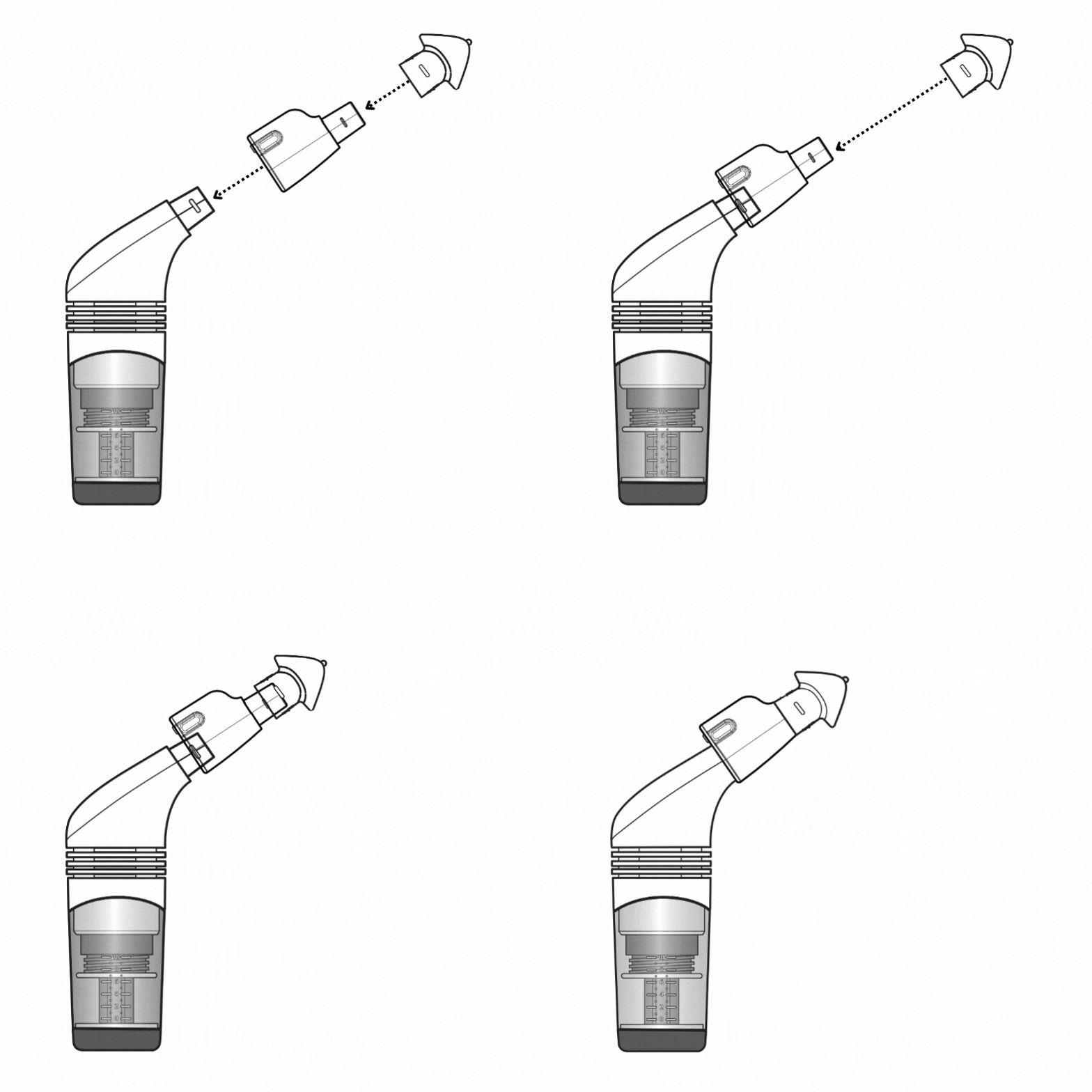
  • Easy to attach, pair, and use with your compatible POWERbreathe device.
  • Includes a protective case: Standard (for the adaptor and accessories) or Multi (to hold your breathing trainer too).
ActiBreathe® App by POWERbreathe

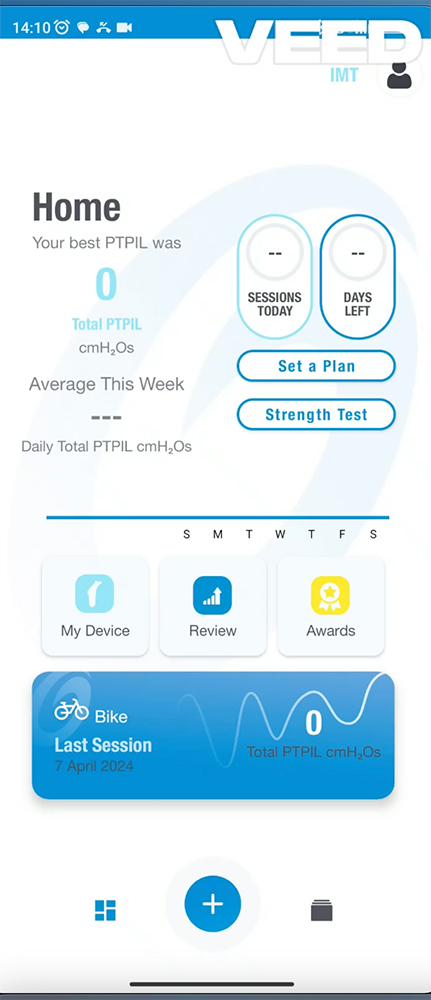
The ActiBreathe® App transforms your breathing data into actionable insights, helping you train smarter. Our breathing app (ActiBreathe®) provides:

  • Real-time breathing feedback
  • Personalised training plans
  • Visual progress tracking
  • Anytime, anywhere access

With tailored plans and detailed analysis, the Smart Adaptor and ActiBreathe® App ensure every breath becomes part of a smarter, more efficient respiratory workout.

Whether you’re an athlete, a fitness enthusiast, or focused on better health, the POWERbreathe Smart Adaptor empowers you to take control of your breathing fitness.

POWERbreathe Smart Adaptor & App Compatibility

The rechargeable electronic POWERbreathe Smart Adaptor is currently compatible with:

Coming Soon to:

Android Compatibility:

Requires Android 7.0 and up. View all compatibility on Google Play.

N.B. Due to ongoing technical issues specific to Google Pixel phones which are currently under investigation, the POWERbreathe Smart Adaptor and ActiBreathe® App are not compatible with these devices at this time. We are actively working towards a resolution and appreciate your patience and understanding.

Troubleshooting Bluetooth Connection Issues on Google Pixel Phones

Apple Compatibility:

Compatible with iPhone 6S or higher. View all compatibility on the App Store.

  • iPhone – requires iOS 13.0 or later.
  • iPad – requires iPadOS 13.0 or later.
  • iPod touch – requires iOS 13.0 or later.
  • Mac – requires macOS 13.0.0 or later and a Mac with an Apple M1 chip or later.
  • Apple Vision – requires visionOS 1.0 or later.

Smart Adaptor and ActiBreathe App Video

How do I clean my POWERbreathe Smart Adaptor?

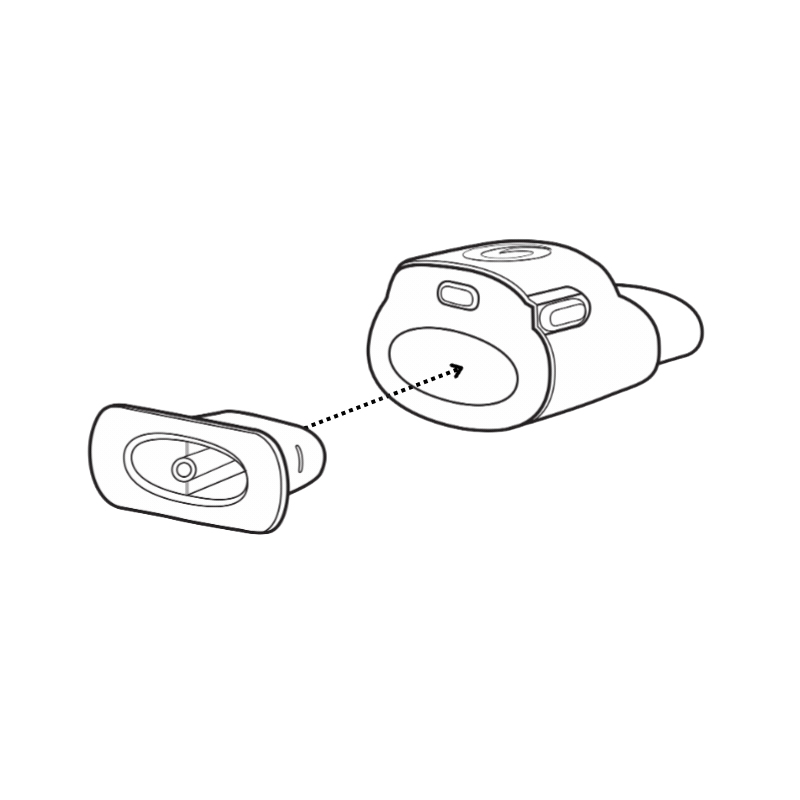
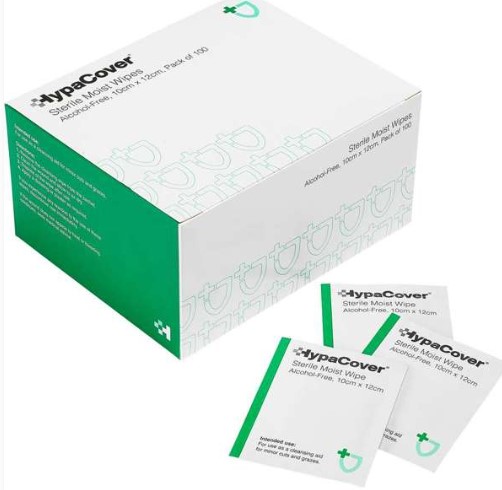
Using POWERbreathe Smart Adaptor HypaClean Moist Wipes is the best way to clean the device. Make sure the USB port cover is plugged in, and the Smart Adaptor is off (not connected). Remove the separate mouthpiece from the main body.

Wipe over the main body to remove any visible soiling. Pay special attention to the mouth and airway area. The separate mouthpiece can be cleaned in the same way you would clean the mouthpiece for your POWERbreathe breathing device, BUT make sure that you remove the separate mouthpiece from the POWERbreathe Smart Adaptor first.

After cleaning your Smart Adaptor with the cleansing wipe, let it dry completely before using. It’s best to have the POWERbreathe swirl facing upwards to ensure good air circulation. Place in the protective case once dry.

Keeping your POWERbreathe Smart Adaptor clean is important. You should clean after every use. Please note: The POWERbreathe Smart Adaptor is an electronic device and should not be immersed in water – this will damage the electronics and void your warranty.

What comes with the POWERbreathe Smart Adaptor?

The following items come as standard with every POWERbreathe Smart Adaptor purchase:

  • POWERbreathe Smart Adaptor and Strength Test Plug
  • Mouthpiece
  • USB cable for charging
  • Storage case of your choice
  • 2 x sealed foil sachets of alcohol-free moist wipes (except for China, the US and Spain)
  • Market-specific user manual in the principal language of the country where the device is purchased, e.g. UK & Ireland – English; Spain – Spanish; Japan – Japanese.

FAQ

We are aware of an ongoing issue with Google Pixel phones dropping their connection when using the POWERbreathe Smart Adaptor.

Our team is actively investigating the issue across multiple Pixel devices in different conditions to find a solution. Notably, this issue does not appear to affect other Android or iOS devices.

If you are experiencing connectivity problems, please try the following steps before proceeding with a training session:

Troubleshooting Steps:

  1. Check for other connected Bluetooth devices. Some Pixel phones can only maintain one active Bluetooth connection at a time or may struggle in environments with multiple Bluetooth Low-Energy (BLE) devices. Disconnect other Bluetooth devices such as smartwatches, wireless earphones, or smart home appliances before using the Smart Adaptor.
  2. Ensure the Smart Adaptor is fully charged.
  3. Re-pair the Smart Adaptor. Navigate to “My Device” in the app, select “Edit Device,” and follow the steps to pair your Smart Adaptor again.
  4. Restart the ActiBreathe® app and reconnect. Log out of the app, delete and reinstall it, then restart the Smart Adaptor by pressing its button before attempting to reconnect.
  5. Test with another mobile phone. If possible, try connecting the Smart Adaptor to a different mobile phone to determine whether the issue is specific to the Pixel device.
  6. If any of these steps resolve your issue, please let us know. If the problem persists, we’re happy to assist you further. We may also be able to schedule a troubleshooting session via Google Meet to explore additional solutions. Contact us here.

We appreciate your patience and are committed to ensuring you have the best experience with our device.

The rechargeable electronic POWERbreathe Smart Adaptor is currently compatible with:

• All POWERbreathe Plus IMT breathing trainers
• All POWERbreathe EX1 EMT breathing trainers

Coming Soon to:

• All POWERbreathe Shaker Deluxe mucus clearance devices

Android Compatibility

Requires Android 7.0 and up. View all compatibility on Google Play.

N.B. Due to ongoing technical issues specific to Google Pixel phones which are currently under investigation, the POWERbreathe Smart Adaptor and ActiBreathe® App are not compatible with these devices at this time. We are actively working towards a resolution and appreciate your patience and understanding. For more details, see Troubleshooting Bluetooth Connection Issues on Google Pixel Phones.

Apple Compatibility

Compatible with iPhone 6S or higher. View all compatibility on the App Store.

• iPhone – requires iOS 13.0 or later.
• iPad – requires iPadOS 13.0 or later.
• iPod touch – requires iOS 13.0 or later.
• Mac – requires macOS 13.0.0 or later and a Mac with Apple M1 chip or later.
• Apple Vision – requires visionOS 1.0 or later.

ActiBreathe® App on iOS & Android

The latest version of the ActiBreathe® Application on iOS and Android supports English, French, German, Japanese, Spanish, Portuguese and Dutch, with other languages coming soon.

To use the ActiBreathe® app on iOS or Android in a supported language, your mobile device must be set to that language as its main language.

To switch between respiratory muscle training (RMT) and swap between training your inspiratory muscles using your POWERbreathe Plus IMT to your expiratory muscles using your POWERbreathe EX1 EMT (and vice versa):

1. Go to the ActiBreathe® App Home Page.
2. Click on the ‘My Device’ Button.
3. On the My Device Page click on the ‘Edit’ Button
4a. POWERbreathe Survey Page, select ‘Mode’, in this instance select EMT.
4b. POWERbreathe Survey Page, complete the survey and click ‘Continue’.
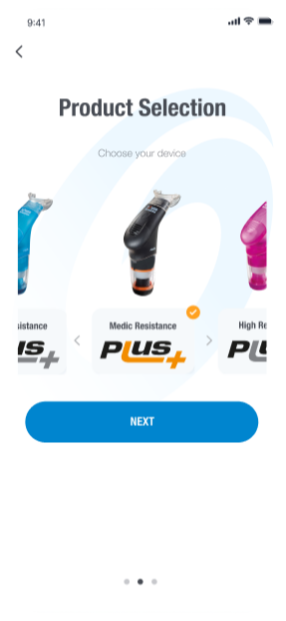
4c. POWERbreathe Survey Page, select the relevant device, and click ‘Next’.
4d. Smart Adaptor Pairing Page, click ‘Pair’.
5. Go back to the App Home page and see on the top right corner ‘EMT’ indicating that you’re now in EMT mode.

Please note. Currently, the ActiBreathe® App is set up so that you will need to follow the above procedure every time you wish to swap between POWERbreathe IMT and POWERbreathe EMT, the ActiBreathe®App will not remember your previous selection. However, in the next major update, the swapping of modes will be less cumbersome.

How To Switch Between RMT – Watch Below!

Please check our Frequently Asked Questions first.

If you still can’t find an answer to your question about the POWERbreathe Smart Adaptor or ActiBreathe® App, we’re here to help!

Please fill out the form below with your enquiry, and our support team will get back to you via email as soon as possible. Your feedback and questions are important to us, and we strive to provide prompt and helpful responses to ensure you have the best experience with our products.

ActiBreathe® App & Smart Adaptor Support

This field is for validation purposes and should be left unchanged.
Please fill out the form below with your questions, and we will email you a response as soon as possible.

It is likely that your Smart Adaptor battery is flat and will need recharging.

To charge your Smart Adaptor:

1. Remove the USB Port Cover from the Smart Adaptor and place it somewhere safe.

2. Using the supplied USB Charging Cable, charge the Smart Adaptor from a wall charger, laptop or other low-energy charging device that compiles with the IEC 62368 1 standard.

3. The LED will illuminate red to indicate it is in charging mode.

4. When fully charged the red LED light will switch off.

5. Unplug the USB charging cable and remember to cover the USB Port with the USB Port Cover, for protection.

1. Make sure the Smart Adaptor is fully charged. Make your your mobile device is charged too.

2. When pairing, make sure your mobile device is within 1m of the POWERbreathe Smart Adaptor.

3. Enable Bluetooth® pairing on your mobile device.

4. Wait for the POWERbreathe Smart Adaptor to turn off, leave for 15 seconds and turn back on. Restart your mobile device. Repeat the pairing process.

The action of breathing is by its very nature extremely variable and difficult to control accurately.

When you first start training, you may find that your results vary widely between different training sessions.

As you get used to the action of breathing against resistance with maximum effort, you should find that your results become more consistent and controllable. You may still find that there is variation from day to day, depending on your physical condition and state of mind on a particular day, just as with any other form of exercise.

For hygiene reasons, we recommend that users do not share the same POWERbreathe Smart Adaptor. However, it is possible to use a bacterial viral filter such as the POWERbreathe Trysafe® Filters every time someone new uses the device.

There could be various reasons why your POWERbreathe Smart Adaptor has disconnected. Here are a few:

1. If your Smart Adaptor has a low battery it will cause the connection to become unstable or even disconnect. You will need to recharge your Smart Adaptor.

    2. There could be interference from other devices within 2.4GHz or 5GHz bands.

    3. You have too many apps open within your device, causing interruption to service. You will need to close unused apps.

    4. The distance between your mobile device and your POWERbreathe Smart Adaptor may be over 1 metre. To resolve this, try moving closer.

    5. Try restarting your device to clear memory cache built up.

    Your POWERbreathe Smart Adaptor is a rechargeable, electronic device. It therefore must NOT be immersed in water, or exposed to running water, as this will damage the electronics and void your warranty.

    There are two parts to your POWERbreathe Smart Adaptor:

    1. The electronic POWERbreathe Smart Adaptor multibody itself (multibody because it houses the ‘Strength Test Plug’).
    2. The ‘Strength Test Plug’, for breathing strength testing only, housed within your POWERbreathe Smart Adaptor.

    Cleaning the Electronic POWERbreathe Smart Adaptor

    Important Note: To ensure the longevity and proper function of your electronic POWERbreathe Smart Adaptor, we recommend cleaning it with a POWERbreathe Smart Adaptor HypaClean Moist Wipe regularly after each use. As the Smart Adaptor is an electronic device, it should NOT be submerged in water or placed under running water at any time.

    The POWERbreathe Smart Adaptor is not designed to be, nor supplied, as sterile, so we recommend cleaning it before use.

    • Ensure the USB Port Cover is plugged into the USB Port and the POWERbreathe Smart Adaptor is switched off before cleaning.
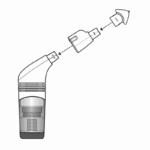
    • Remove the separate mouthpiece from the main body. Using the wipes supplied in your initial pack, or similar suitable cleansing wipes, wipe over the main body, removing any visible soiling (after use), paying special attention to the mouth and airway area.
    • The separate mouthpiece can be cleaned in the same way as you would clean the mouthpiece for your POWERbreathe breathing device BUT make sure that you remove the separate mouthpiece from the POWERbreathe Smart Adaptor first.
    • After cleaning your Smart Adaptor with the cleansing wipe, put it aside to completely dry before using. Placing it to one side with the POWERbreathe swirl facing upwards will ensure good air circulation.
    • When completely dry and not in use, place your POWERbreathe Smart Adaptor in the supplied protective case.
    • Wipe clean your POWERbreathe Smart Adaptor after each use.

    Warning!

    • Because the POWERbreathe Smart Adaptor is an electronic device, you must not immerse it in water, or expose it to running water, as this will damage the electronics and void your warranty.
    • It is also important to note that your POWERbreathe Smart Adaptor is unsuitable for cleaning or sterilisation by boiling, steam, microwave, oven, dishwasher or autoclave – or any cleaning process that uses high temperatures, including very hot water.
    • Do not use scouring pads, abrasive cleaning agents or aggressive liquids such as petrol or acetone to clean your Smart Adaptor.

    Cleaning the Strength Test Plug

    • After each breathing strength test, you can rinse the ‘Strength Test Plug’ in warm running water because this component is not electronic.
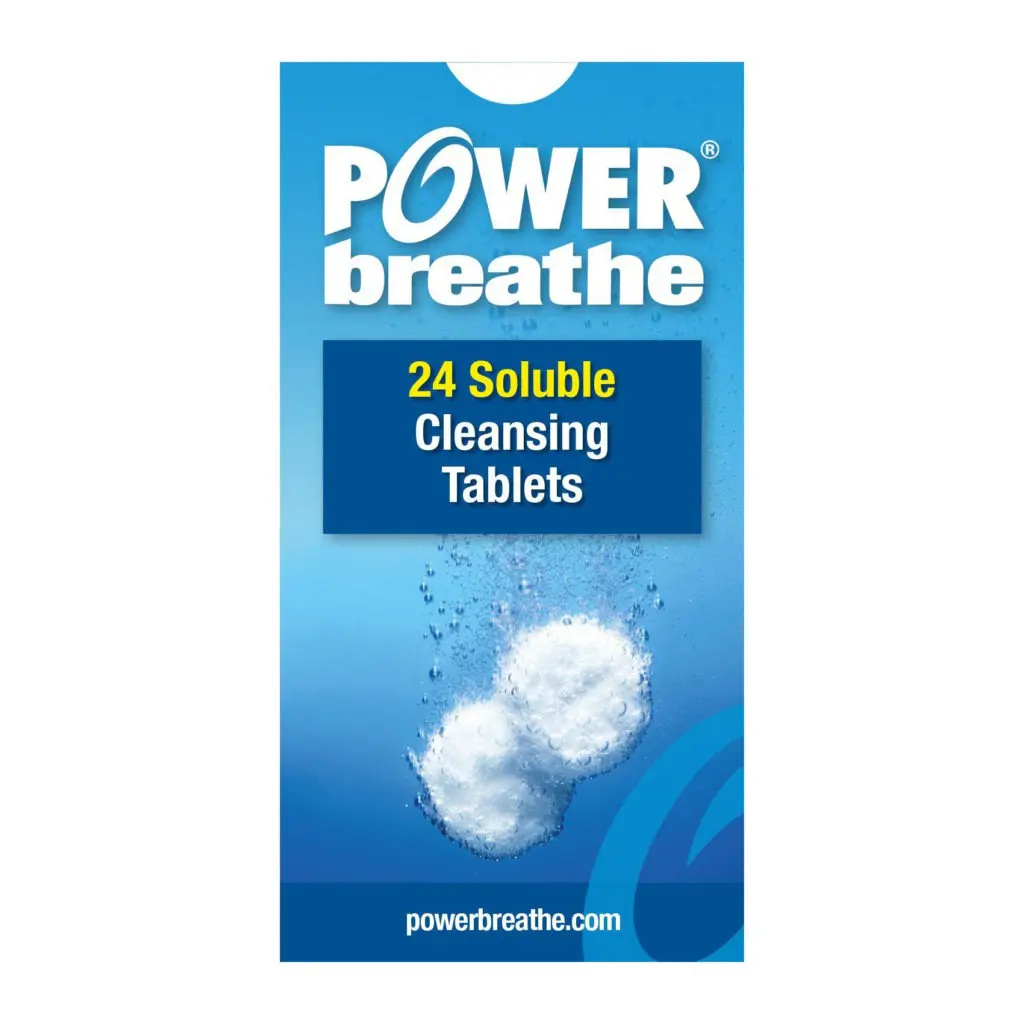
    • After every few uses, soak the ‘Strength Test Plug’ in a mild cleansing solution, such as POWERbreathe Cleansing Tablets, along with your POWERbreathe breathing training device and its mouthpiece, according to the instructions in the user manual.

    Bluetooth® Wireless Technology

    The Bluetooth® word mark and logos are registered trademarks owned by Bluetooth SIG, Inc. and any use of such marks by POWERbreathe International Limited and/or its affiliates is under license. Other trademarks and trade names are those of their respective owners.

    Licensees may use the Bluetooth Primary Trademarks in association with approved products and services. When the trademarks are used in connection with a product incorporating Bluetooth® wireless technology, that product must have undergone and completed the Bluetooth Qualification Process, as outlined in the BTLA.

    The POWERbreathe Smart Adaptor has undergone and completed the Bluetooth® Qualification Process and is therefore a member of Bluetooth SIG, Inc.

    Declaration of Conformity

    Declaration of Conformity

    Customer Reviews

    5
    (3 Reviews)
    5 star
    100%
    4 star
    0%
    3 star
    0%
    2 star
    0%
    1 star
    0%

    Review this product

    Share your thoughts with other customers

    Top Reviews

    Frankie
    ★★★★★ Reviewed on January 16, 2025

    I've only just got a powerbreathe plus light and smart adaptor. I bought it because I've been really poorly with asthma this year and I don't want to go through this again. So far I'm finding it all easy to use and I have to say I'm glad I invested in the smart adaptor as it really helps to check if you are doing it right, and compare progress.

    Natasha
    ★★★★★ Reviewed on November 23, 2024

    I was looking for a Smart breathing trainer and so far I am really impressed with the Smart Adaptor and Actibreathe App. I regularly go to the gym as well as play tennis, and have been delighted to note that my Strength Test score has improved in just 2 weeks ! The metrics and feedback are very comprehensive. I think this is a great tool to compliment my fitness habits. I highly recommend it for anyone looking to take their fitness and breathing to the next level.

    Tanya Blundell
    ★★★★★ Reviewed on November 18, 2024

    I recently bought a Smart Adaptor to use alongside my POWERbreathe Plus device. It is easy to use and really detailed in terms of the instructions and feedback. I enjoy visualising my breathing training on the App. I feel better in general for using my POWERbreathe and less breathless when I walk. A must have for anyone!